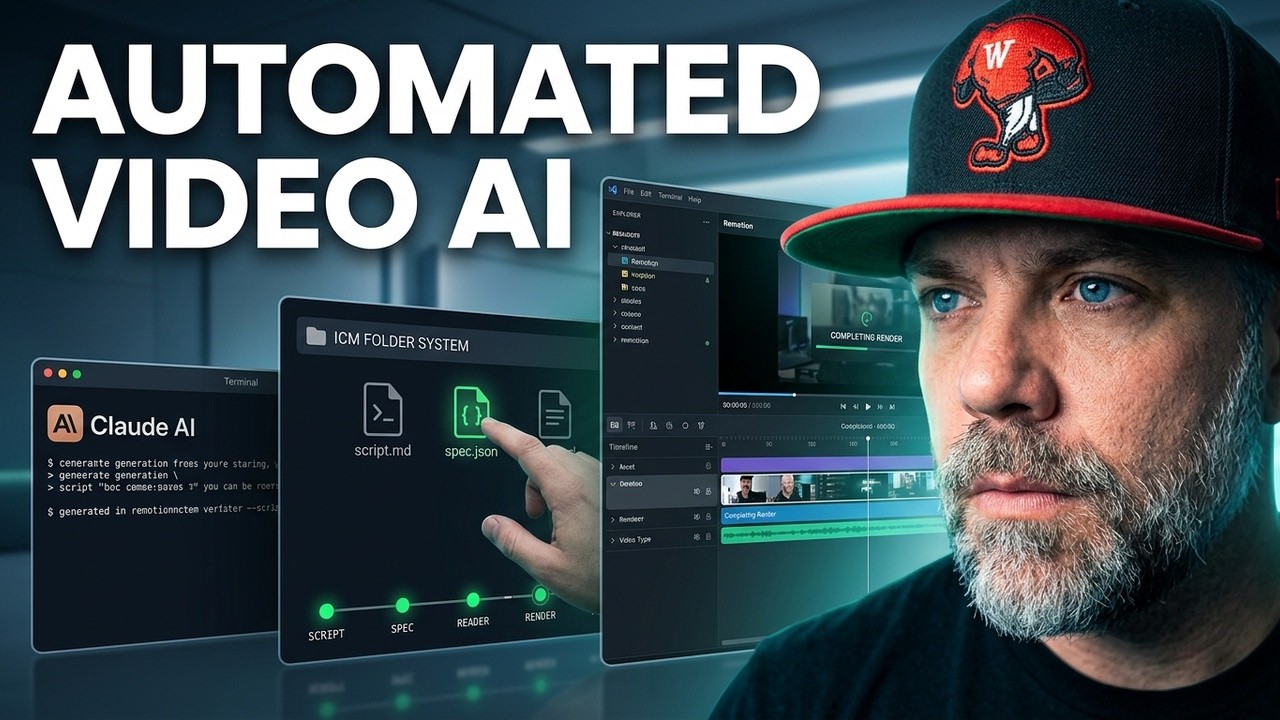
Claude Code plus Remotion means the AI writes actual video code, your computer renders a normal MP4, and every animation you build becomes a part you own and reuse forever. No timeline editor, no per-minute metering, no subscription holding your footage hostage. I run this pipeline for every video on my channel, and in the newest one you can watch the whole machine run live: it wrote the script, I approved it, it built the animations, and it rendered the hook and close of the very video you are watching, while you watch it. Watch that first, then read how the pipeline works.
What Can Claude Code And Remotion Actually Do Together?
Remotion makes videos out of code instead of a timeline editor. You describe every frame the way websites are described, and it renders a real MP4. Claude Code writes that code for you. You never touch it directly: you approve a plan in plain English, and the render comes out the other end.
3 things make code beat dragging clips around for the animated parts:
- It is deterministic. Frame 2847 is identical on every single render. The little frame counter in the corner of my hook is not a gimmick, it is the receipt.
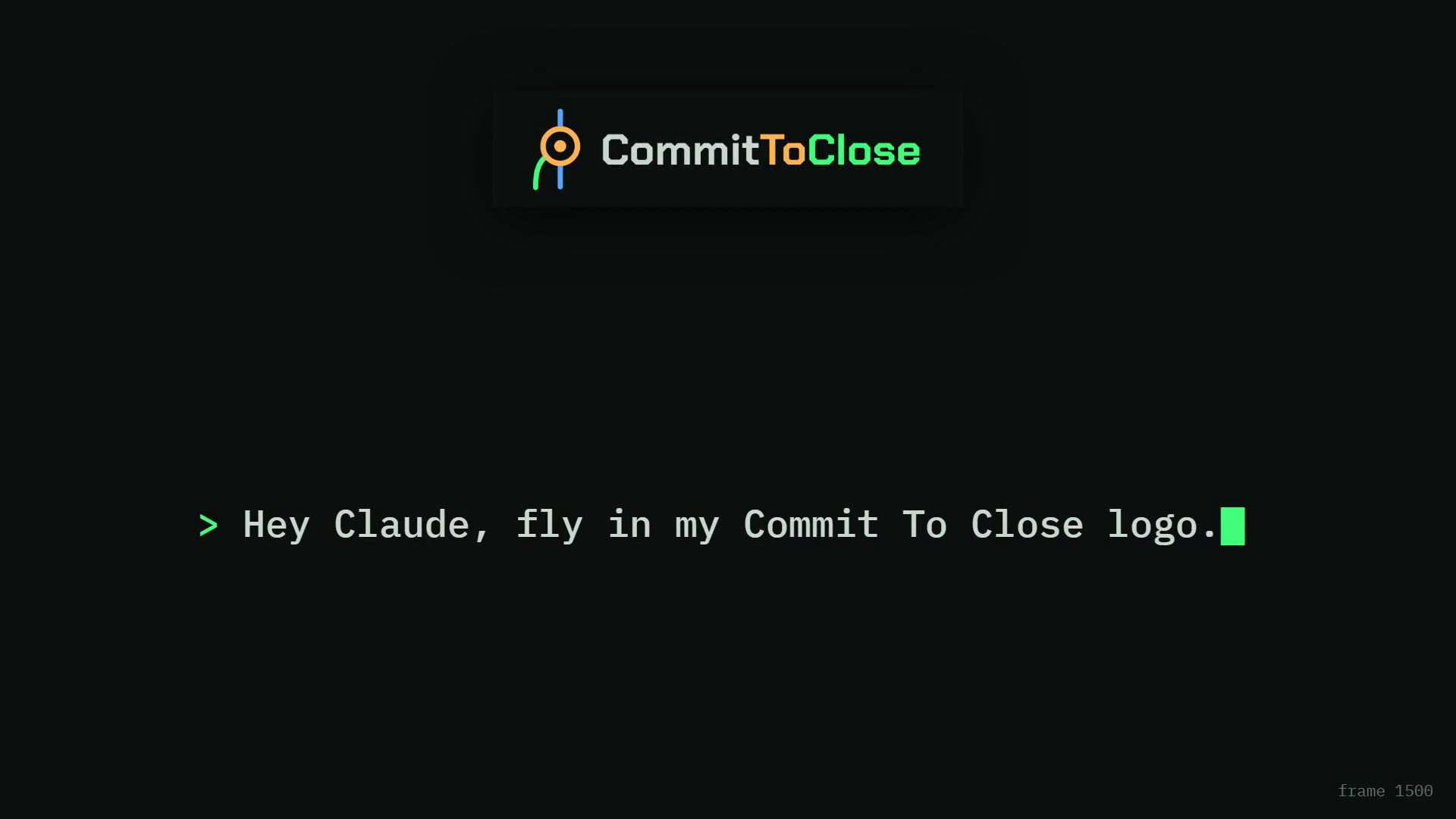
- It is editable with words. "Make the logo leave" is a sentence, not 20 minutes of keyframe dragging. There is a moment in the video where the on-screen prompt says exactly what happens next:
- It compounds. This is the big one, and it gets its own section below, because it is the reason this beats renting a video tool.
The page-1 results for this topic are Remotion's own Claude Code docs and developer walkthroughs, and they are good at what they cover. What none of them show is a working channel actually running this as a production line, week after week, by someone who cannot write a line of code. That gap is this post, and the finished machine it grew into is mapped stage by stage in my AI video production workflow.
How Does A Non-Coder Run A Video Pipeline?
The folders do the thinking. I run Jake Van Clief's ICM folder system, which I broke down fully in the interpretable context methodology explainer. The short version: every video gets 1 folder, and the numbered files inside it ARE the project's brain. The keyword research, the gameplan, the locked title, the brand rules, the render engine, all of it lives in files, not in my head and not in a chat history.
So my first prompt in a fresh session is basically 1 line: read this folder, then write the script. Claude reads the folder and already knows everything. The folder walk starts at 2:01 and the 1-line kickoff prompt lands at 5:55. No re-explaining, no 20 minutes of throat clearing. That is the entire trick, and it is why the session on camera moves fast.
What Are The Steps From Idea To Rendered Video?
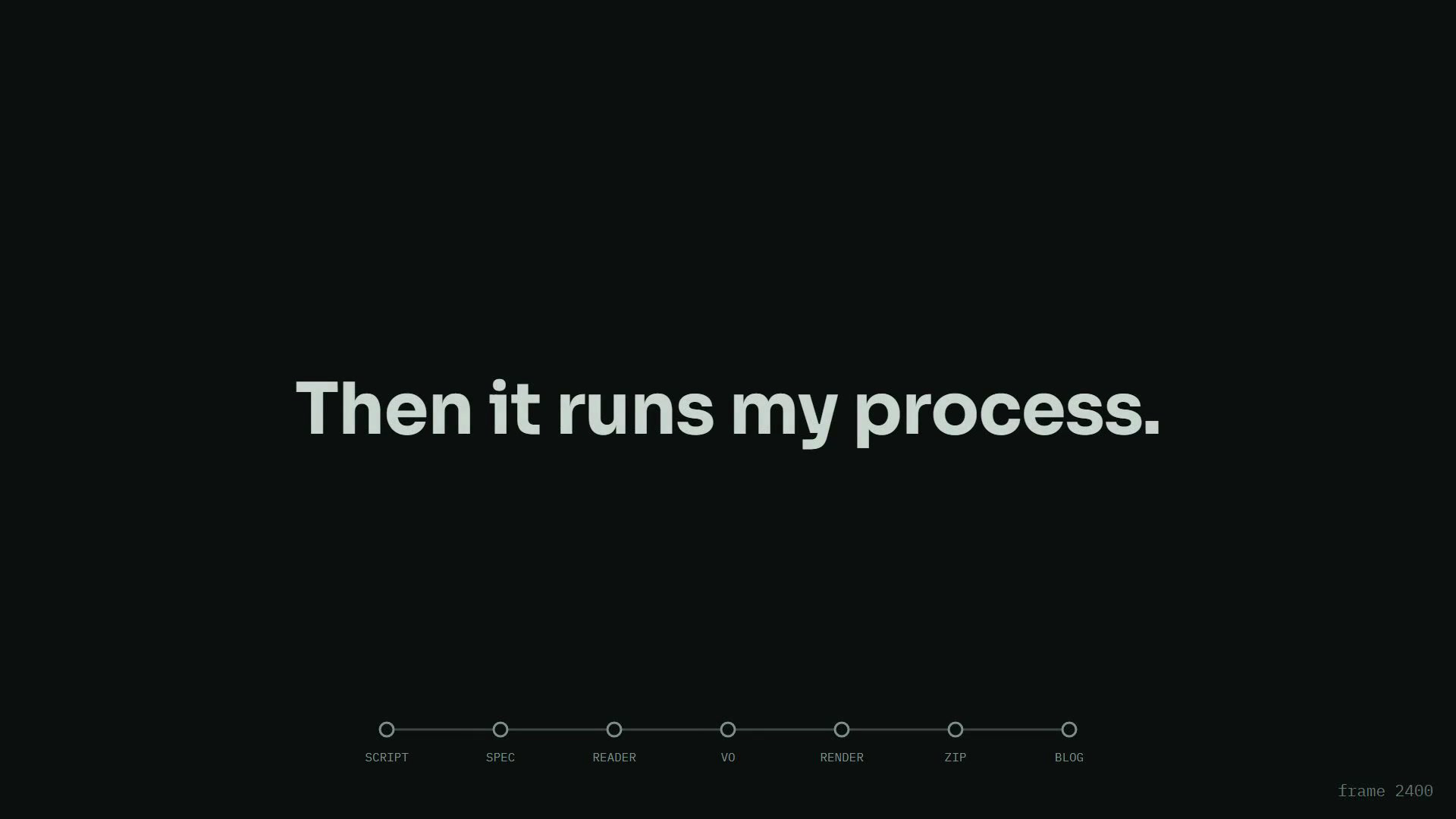
7 stages, and the render itself shows you the rail:
The part that saves my evenings is not the automation. It is the 2 approval gates in front of it:
- Gate 1, the script. Claude writes it, I read every slide, I fix a line or 2. Reading the script it wrote starts at 9:12.
- Gate 2, the spec. 1 page that names the render engine on line 1, gives every beat exactly 1 animation cue, and lists what gets reused versus built new. The spec gate is at 19:58.
- Then the machine runs free. Reader, voiceover alignment, compositions, render, zip, blog draft. No more approvals, because everything downstream is just execution of the 2 documents I already signed. That handoff happens at 30:12.
The math behind the gates: approving a script costs 3 minutes, approving a spec costs 2, and a wrong render costs 40. I learned that from a re-render loop that ate a full evening. Human judgment at the 2 cheap points, full automation everywhere else. It is the same shape I used when I built a sales funnel with AI in 1 session, because the pattern is not a video trick, it is how you run any expensive pipeline with an AI in it.
How Do You Record The Voiceover?
I never read a document, I perform a slideshow. Claude generates a full-screen reader from the approved script: 1 slide fills the screen, 1 sentence per slide, I say it, I click, the next one comes. Every pause is labeled in seconds so I can count it in my head, and whatever the viewer will see on screen is sitting right there on my slide, so I react to the real thing instead of imagining it. The reader comes up at 22:47.
And here is the part that makes it humane: the machine forgives flubs. If I trip on a line, I do not stop recording. I pause a beat and re-read the slide from the top. The alignment step transcribes my audio word by word and syncs every slide to the moment I speak its first words, built to take the last clean read. On camera it synced 47 of 48 slides automatically, flub and all. I flubbed a line in this video and left it in, because the mess is the proof it is real.
Why Does Every Video Get Cheaper To Make?
Because the parts are code, and code you own compounds. The hook in this video had about 20 distinct animations. 13 of them cost 0 new work: the Marine seal fly-in was built for a testimonial weeks ago, the 2 doors and the falling-paper desk came from older explainers, the counting timer and the racing clocks and the end card are house components by now. My 1st video of this kind took days. This hook, with far more going on, was specced and built inside 1 live session.
That is not me getting smarter. That is the library getting bigger.
Compare that with the rented version of AI video, where a platform generates clips against a monthly credit meter. Nothing carries over as yours. Every video costs what the last one cost, forever, and stop paying and the tool is gone. It is the same lease I keep pointing at in the rent versus own essay, wearing a video editor costume. My animations sit in a GitHub repo. They are mine on video 1 and they are mine on video 100, and video 100 is mostly free.
The rule if you start today: build every animation as a named, reusable piece, even when it feels like overkill. You are not making 1 video. You are making the 1st video of a system.
Where Do You Start?
Watch the video, because the whole pipeline runs on camera exactly once, start to finish, mess included. Every file the machine produced during it, the script, the spec, the reader source, and the 5 prompts I pasted, is free in my community at buildmarketclose.com, packaged with strategy files that each end in a copy-paste prompt so you can run the same pipeline on your own business.
The methodology underneath is Jake Van Clief and David McDermott's, and there is a real paper behind it. They teach the deep end in their community (affiliate link, full disclosure). Everything I did on camera is me running their playbook.
And if you are wondering whether you need to be technical: I cannot write a line of code. I direct. My first 30 days with Claude Code is the story of how that started, and this video is what it looks like 4 months in.
Now go be dangerous.
Always got your back.
RyMac.