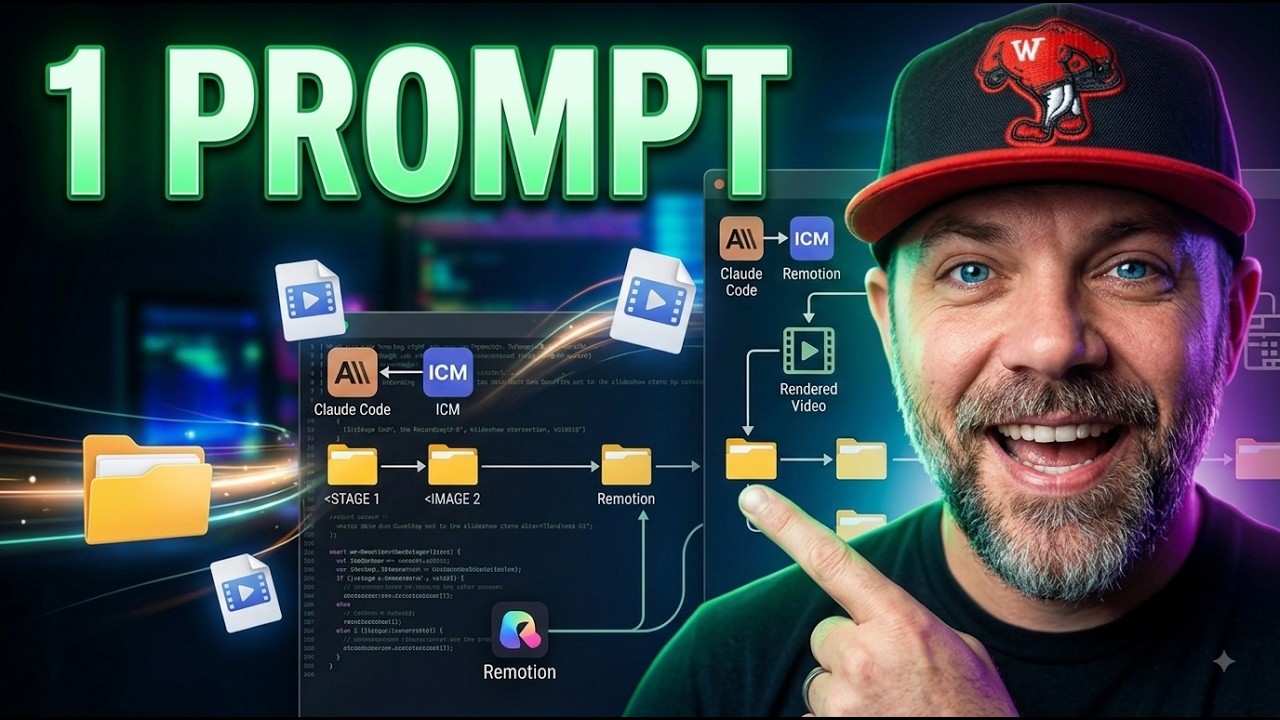
AI content automation is real, but not the way the tool ads sell it. The honest version: your AI can run a full content job start to finish while you're gone, IF your business knowledge is organized where it can read it. I just published the receipts: 1 prompt rebuilt 8 training videos into a new brand, with 0 reshoots, for about 45 cents, while I was at Walmart. The whole run is on screen in the video, terminal and all.
Most of what ranks for this topic is written by companies selling a content platform, so every guide ends in a subscription. This post ends in a folder structure you can build for free this afternoon.
What Can AI Content Automation Actually Do?
Here's the job from the video, exactly as it ran. I had 8 sales training videos wearing a dead brand. The old fix is a week of re-recording, re-editing, and re-uploading. Instead I typed 1 prompt: rebrand all 8 videos, cut my old closes, new end card, and do not make me reshoot anything. Then I walked away, literally, to buy a pooper scooper I'd forgotten at Walmart.
What was waiting when I got back:
- 8 videos rebuilt in the new brand, my voice untouched, 0 reshoots
- Every old ending cut out clean, verified word by word against the finished files
- New lead magnets and drop posts, right the first time
- Total compute bill: about 45 cents, roughly 30 seconds and 6 cents per video on rented cloud computers
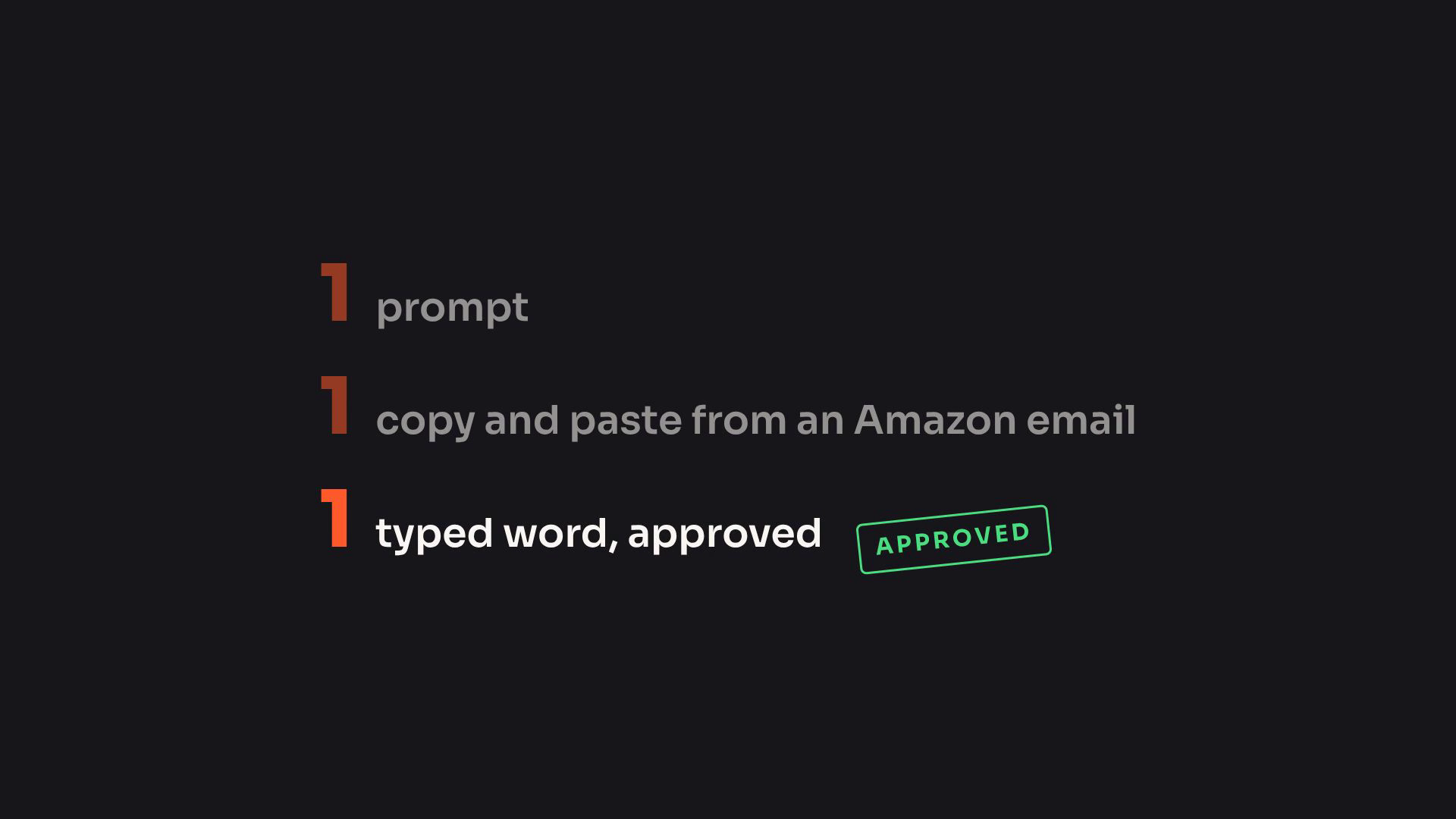
My total input for the whole day:
Why Did 1 Prompt Work?
Because the prompt wasn't the instructions. The folders were.
When the run started, the AI didn't guess at anything. It went and read my files: the map that says where every video lives, the inventory that already listed which 8 lessons wore the dead brand, the brand law file that defines the new look down to the font, and the notes that knew my cloud setup. 1 prompt worked because 41 days of organized folders were the real instructions.
That organization method is Jake Van Clief's ICM folder system, and the credit is his. It's a published, open method, not a product: the formal version is a paper on arXiv, and I wrote the plain-English translation in what interpretable context methodology actually is. His rule is the whole philosophy in 1 sentence: "If you can't ask it to do something and walk away, you're doing it wrong."
The AI doing the work was Claude Code. 1 session, not a team of them, which is the whole argument against running a multi agent workflow at this size. The honest ranking of what mattered: folders first, model second, prompt a distant third.
What Does Automation Without Structure Look Like?
Like me, the night before, literally cursing at my AI.
Builds kept coming back wrong and I was done. Then it hit me: it wasn't the AI's problem, it was mine. My folders had drifted out of order, so the AI was reading stale information and answering with total confidence. We stopped everything, audited every workspace, and fixed the drift that same night. The 1-prompt day happened THE NEXT MORNING. Same AI, same person, opposite result, and the only thing that changed overnight was the structure.
That's the part every platform guide skips, because you can't sell it. If your knowledge is scattered, an automation platform automates the confusion. If it's organized, even 1 plain prompt can carry a whole day's work. Start there: organize your business for AI walks the same structure for everything that isn't video.
Where Do Humans Stay In The Loop?
At the gates, not in the middle.
Nothing in the run went live without me. The machine built everything, then stopped. I watched a 90 second preview and typed 1 word: approved. And the work was checkable: every cut was verified word by word, and when 1 video tried to sneak the first word of an old ending past the cut, the check caught it before I ever saw it.
That's the same 2-gate pattern my whole AI video production workflow runs on: cheap human judgment right before the expensive steps, full automation everywhere else. A failed approval costs nothing. A failed build costs the afternoon.
How Do You Start, Today, For Free?
Not with a platform. With 1 thing, 1 time.
Pick 1 real task you could redo by hand in under an hour. Write down the 3 or 4 facts your AI would otherwise guess at (where things live, what your brand rules are, what it must never touch). Hand it the task, leave the room, and judge what's waiting when you get back. Whatever it got wrong, write that fact down where it can read it, and go again. Every loop moves knowledge out of your head and into files, and files compound.
The video's whole method ships free as a download in my community at buildmarketclose.com: the walk-away test, the 4 files, the no-reshoot rebrand plan, each ending in a prompt you can run today. And if you want the methodology from the man himself, Jake's community is where it lives (affiliate link): Jake Van Clief's Skool.